
CODPrem puts a cash on delivery order form on your product pages, so buyers can order without a card and pay the courier at the door.
What CODPrem does
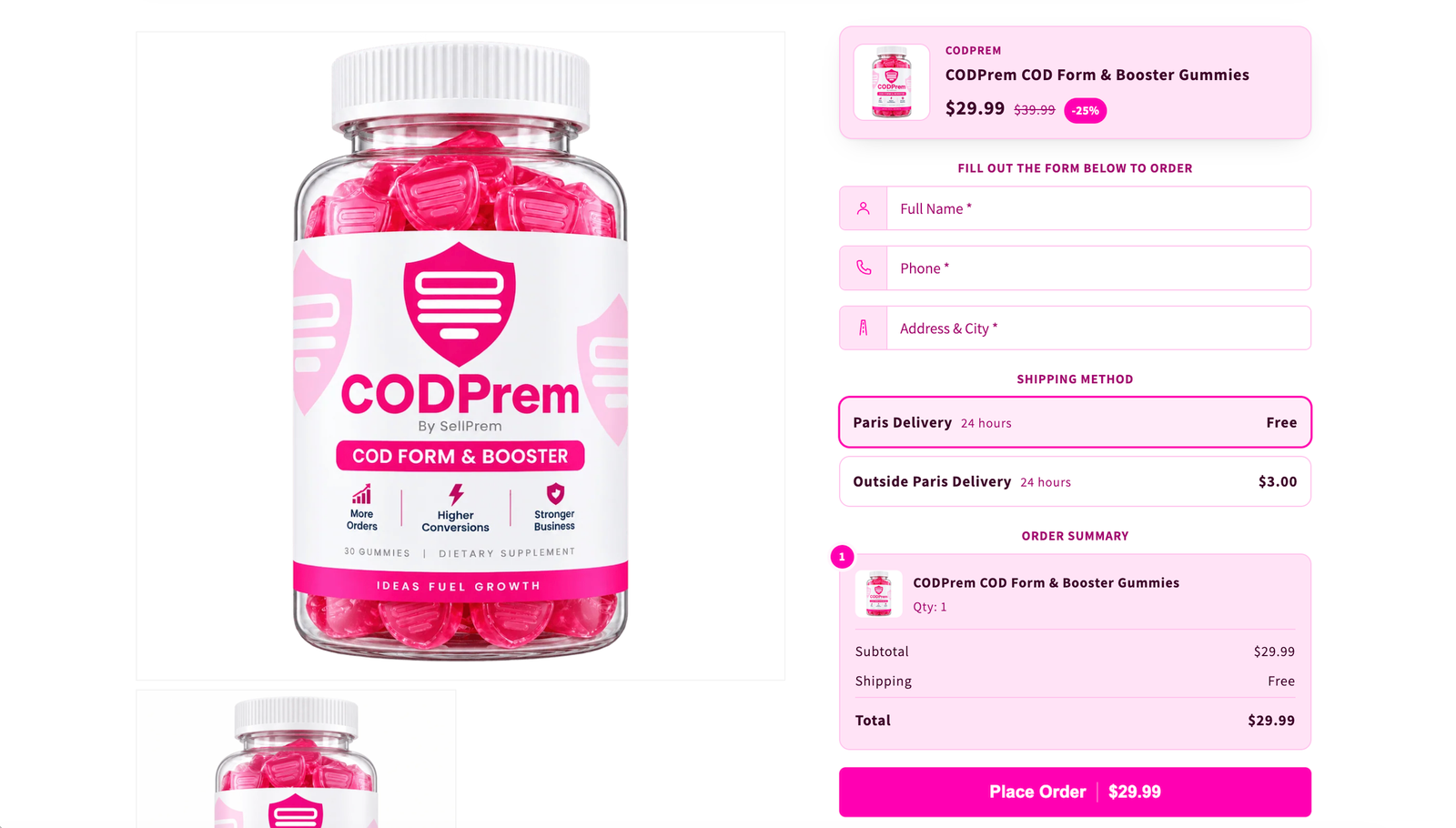
When a buyer opens a product in your store, CODPrem replaces the theme’s Buy it now button with a short order form. The buyer fills in their name, phone and address, presses Place Order, and a real order is created in your Shopify admin, marked as unpaid. Your courier collects the money on delivery.
Around that form you can add everything that makes a cash on delivery store sell more and lose less:
- Offers — quantity discounts, product bundles, upsells, cross-sell cards, discount vouchers and an exit offer.
- Trust — trust badges, reviews, an FAQ, a countdown timer and a stock bar.
- Protection — a blocklist, order limits and bot protection against fake orders.
- Follow-up — a list of shoppers who started the form and left, so you can call them.
- Tracking — your ad pixels, Google Sheets, Telegram and webhooks receive every order.
The pages of the app
| Page | What you do there |
|---|---|
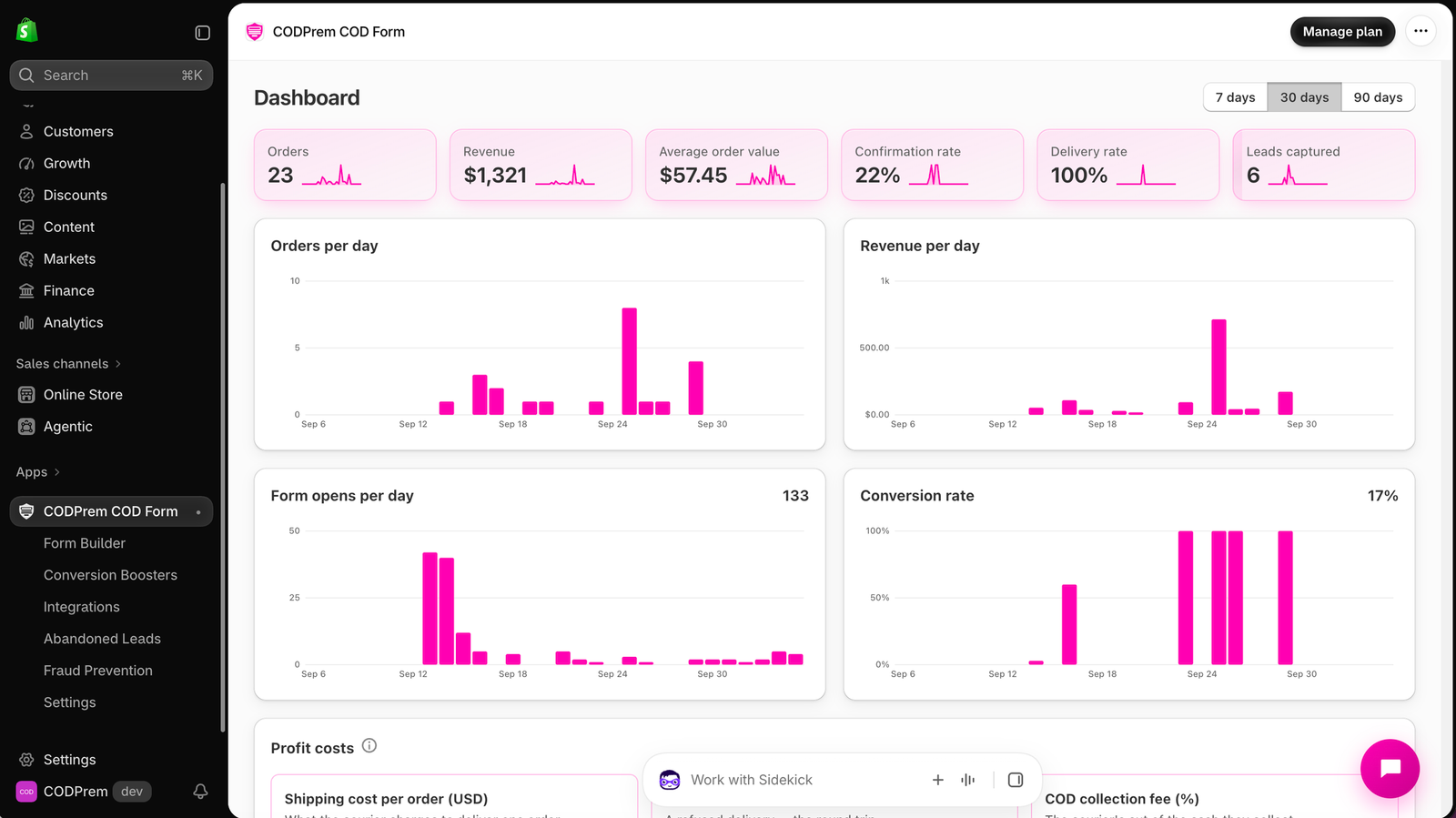
| Dashboard | See orders, revenue, delivery and confirmation rates, campaign profit, and work through your orders. |
| Form Builder | Choose how the form opens, which fields it asks for, its colours, layout, animation and languages. |
| Conversion Boosters | Add offers and trust elements to the form. |
| Integrations | Connect Google Sheets, ad pixels, Telegram, webhooks and Google address autocomplete. |
| Abandoned Leads | Call shoppers who typed their phone number and left without ordering. |
| Fraud Prevention | Block bad numbers and addresses, cap orders per shopper, and choose which countries see the form. |
| Settings | Shipping, countries, the thank-you page, extra checkout buttons, form placement and more. |
Two buttons sit in the app’s title bar on every page: Quick start, which walks you through setup, and Upgrade Plan (or Manage plan), which opens the plans page.
How an order is priced
Your buyer’s browser only tells CODPrem what they chose — the product, the variant, the offer. Prices, discounts and stock are always read from Shopify on our server. That is why the total on the form and the total on the Shopify order match.
Where to start
If you have just installed the app, read Set up your form with Quick Start next. It takes a few minutes and ends with your form live on your store.