
A Telegram message the moment an order is placed, with the total, the buyer and the address.
Go to Integrations → Telegram and press Activate.
Create your bot
- In Telegram, open @BotFather and send
/newbot. Follow the steps and copy the bot token it gives you. - Open your new bot and send it any message, so it is allowed to reply to you.
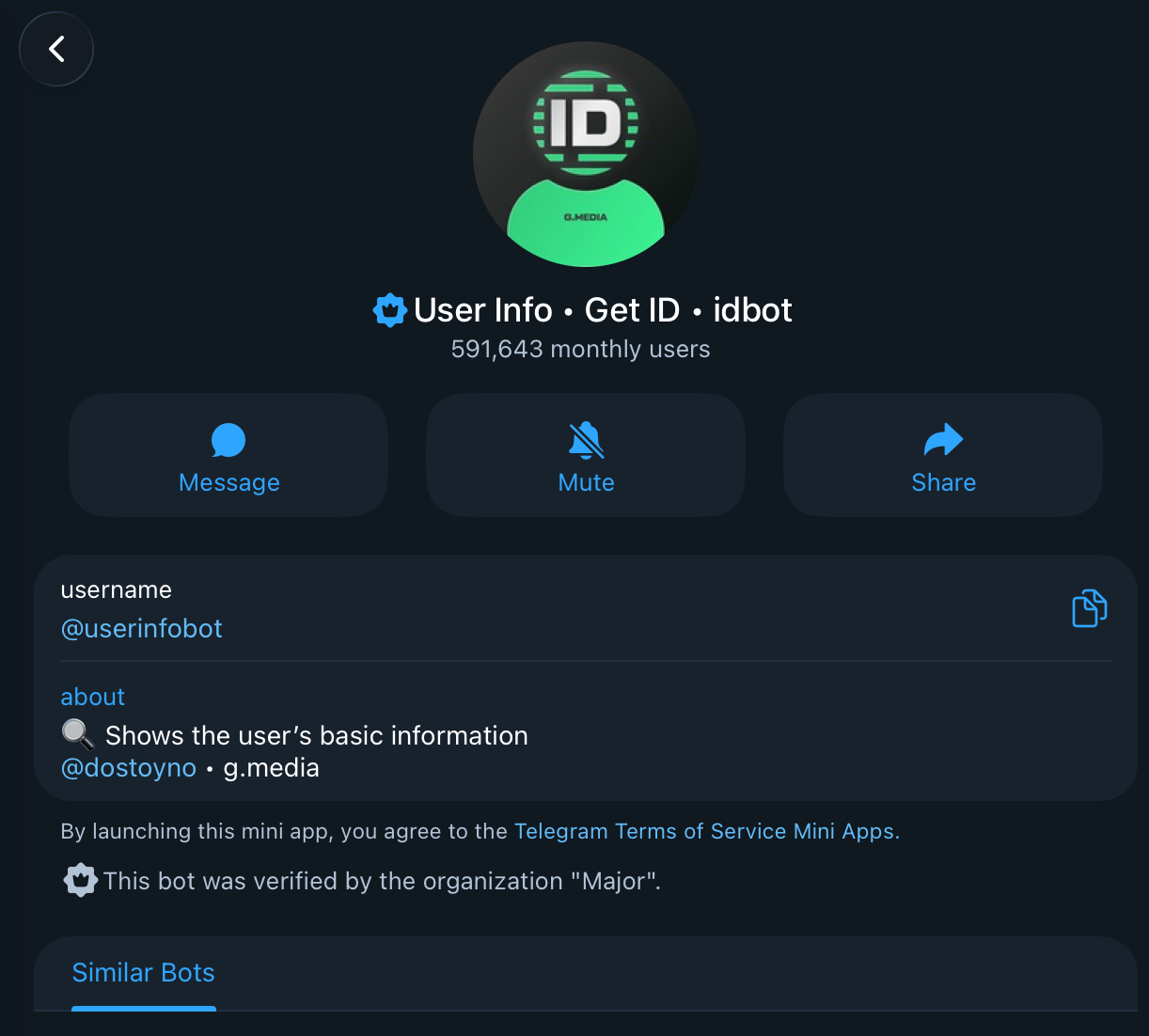
- Find your Chat ID: message @userinfobot and it replies with your ID. For a group, add your bot to the group and use the group’s ID.

Connect
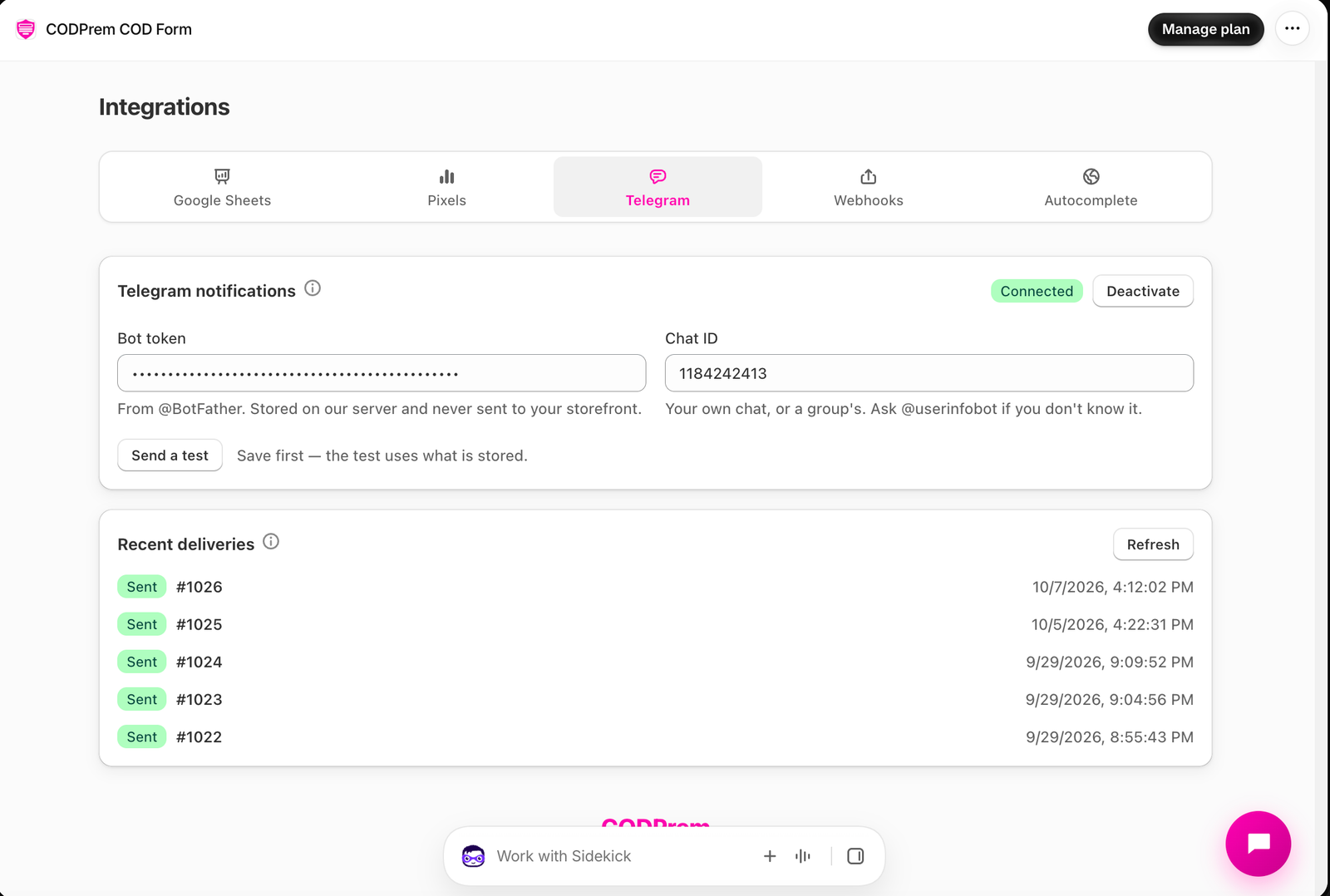
- Paste the Bot token and the Chat ID.
- Save, then press Send a test.
The token is stored on our server and never sent to your storefront.
Troubleshooting
Recent deliveries shows the last two weeks of attempts, with what Telegram said when one failed. The most common cause is not having messaged the bot first.