Display reviews one at a time on your form, typed by you or imported from a CSV.
Go to Conversion Boosters → Reviews and press Activate.
Add a review
Press Add review and fill:
- Author, Rating and Date.
- Review — the text.
- Customer photo — optional. Without one the card shows the customer’s initials.
- Verified purchase — shows a green check. Only tick it for a review you know came from a real buyer.
- Product — one product, or Show on all products.
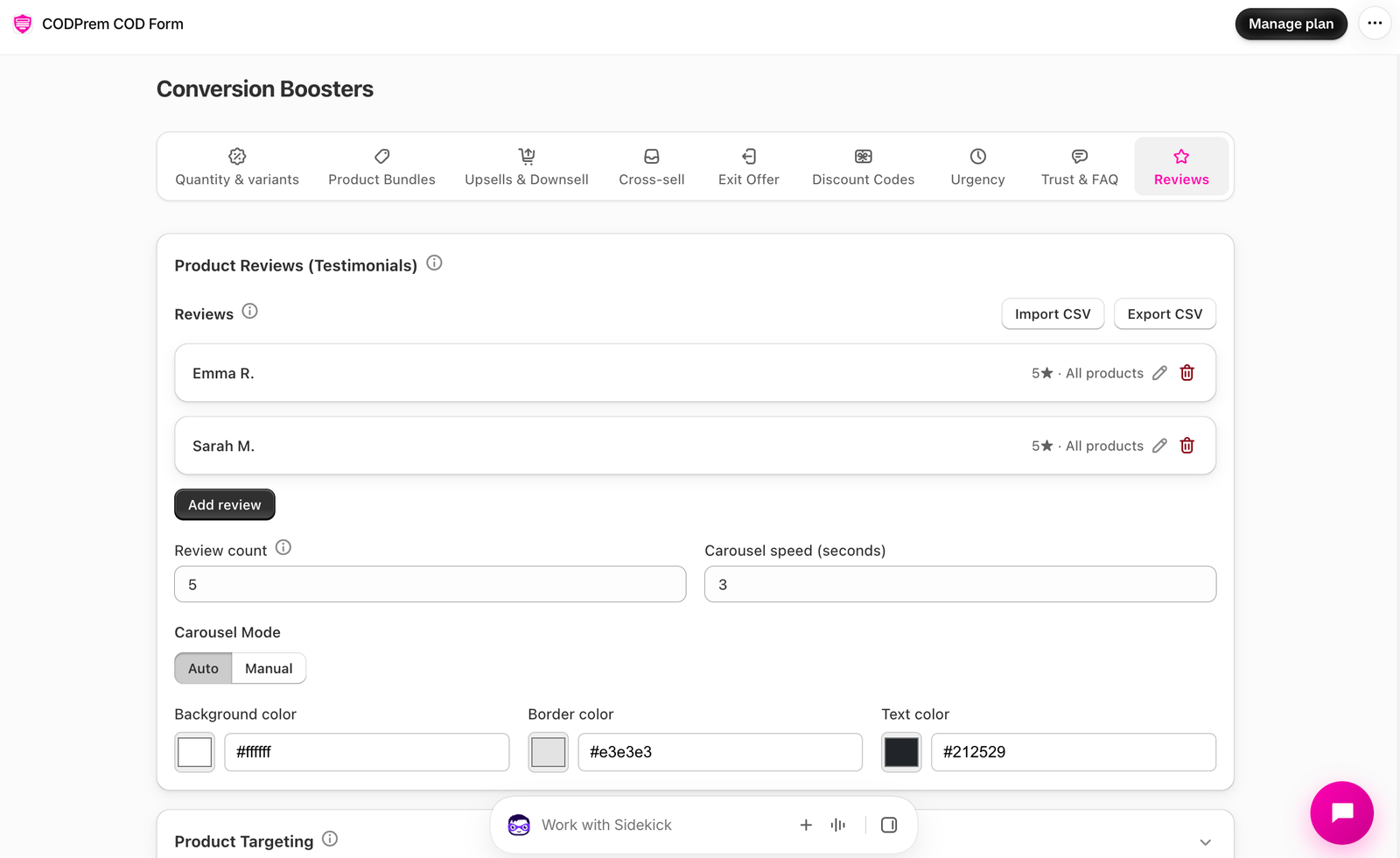
Import from a CSV
Press Import CSV to add reviews from your reviews app or a spreadsheet. Importing adds to your list rather than replacing it. Only a review-text column is required; common column names are recognised (author, rating, date, body, product, verified, image). A product id that isn’t found in your store is cleared, so that review shows on every product.
Export CSV downloads your current list.
Display
- Review count — how many show.
- Carousel Mode — Auto (moves on its own, every Carousel speed seconds) or Manual (arrows).
- Background, border and text colours; Reset colors to Theme Mode.
CODPrem never invents reviews: with an empty list, nothing shows.