
Write the messages your WhatsApp buttons open with, so confirming an order takes one tap.
Open it from the CODPrem Order Workflow card on the Dashboard (Edit messages).
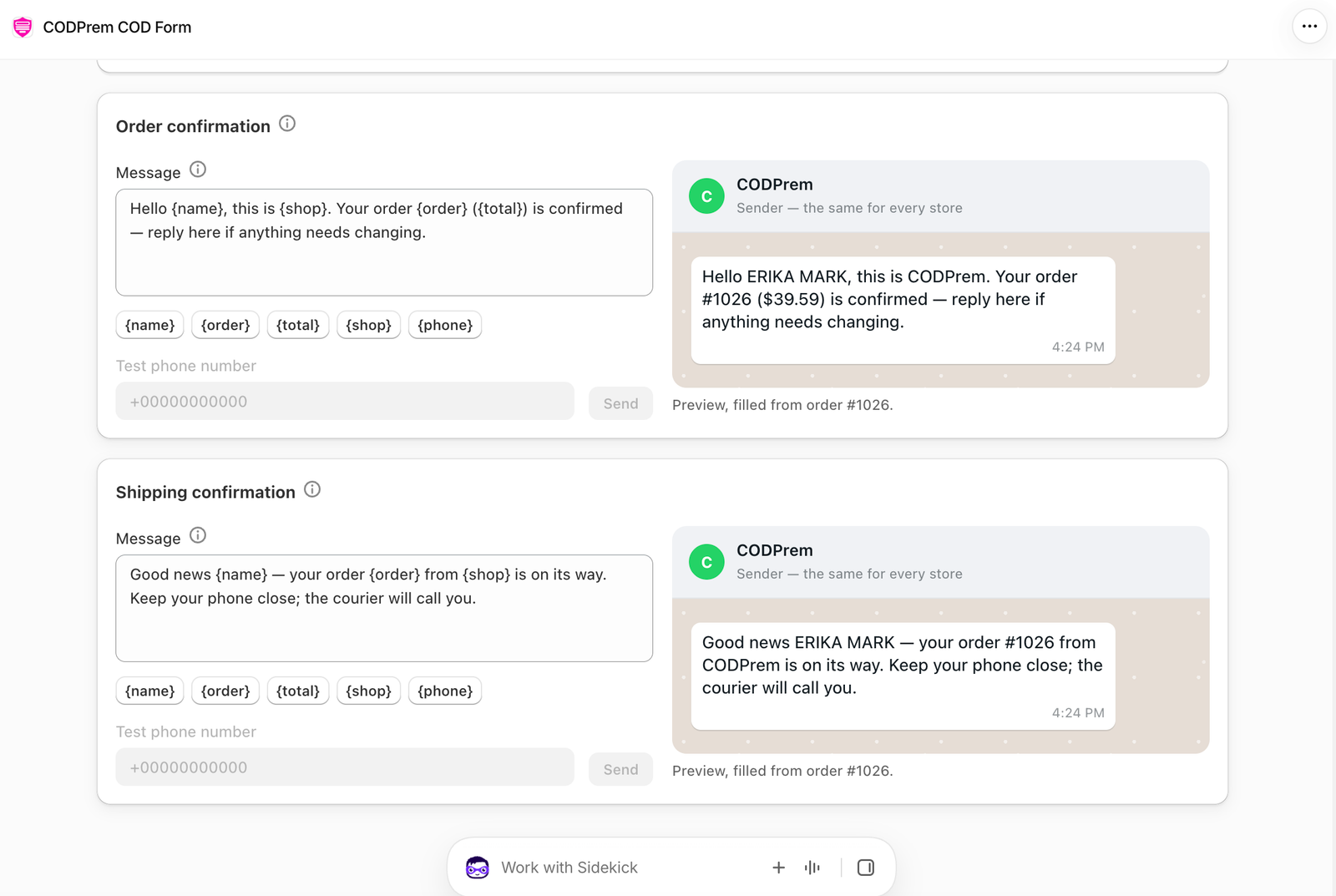
The two messages
- Order confirmation — for an order that hasn’t shipped yet.
- Shipping confirmation — once Shopify reports the order fulfilled.
Write each one in the Message box. These tags are replaced with the buyer’s own order:
| Tag | Replaced with |
|---|---|
{name} | The buyer’s name |
{order} | The order number |
{total} | The order total |
{shop} | Your store name |
{phone} | The buyer’s phone |
The preview on the right fills from your latest order.
Sending
On the Dashboard’s orders list, the WhatsApp button on each order opens the buyer’s chat in your own WhatsApp with the right message already typed — the order confirmation before shipping, the shipping confirmation after. You press send yourself.
Tip
Keep the message short and ask one clear question, for example: “Hi {name}, this is {shop}. Can you confirm order {order} for {total}? Reply YES and we’ll ship it today.”