
Confirm orders, record deliveries and returns, and contact buyers — without leaving CODPrem.
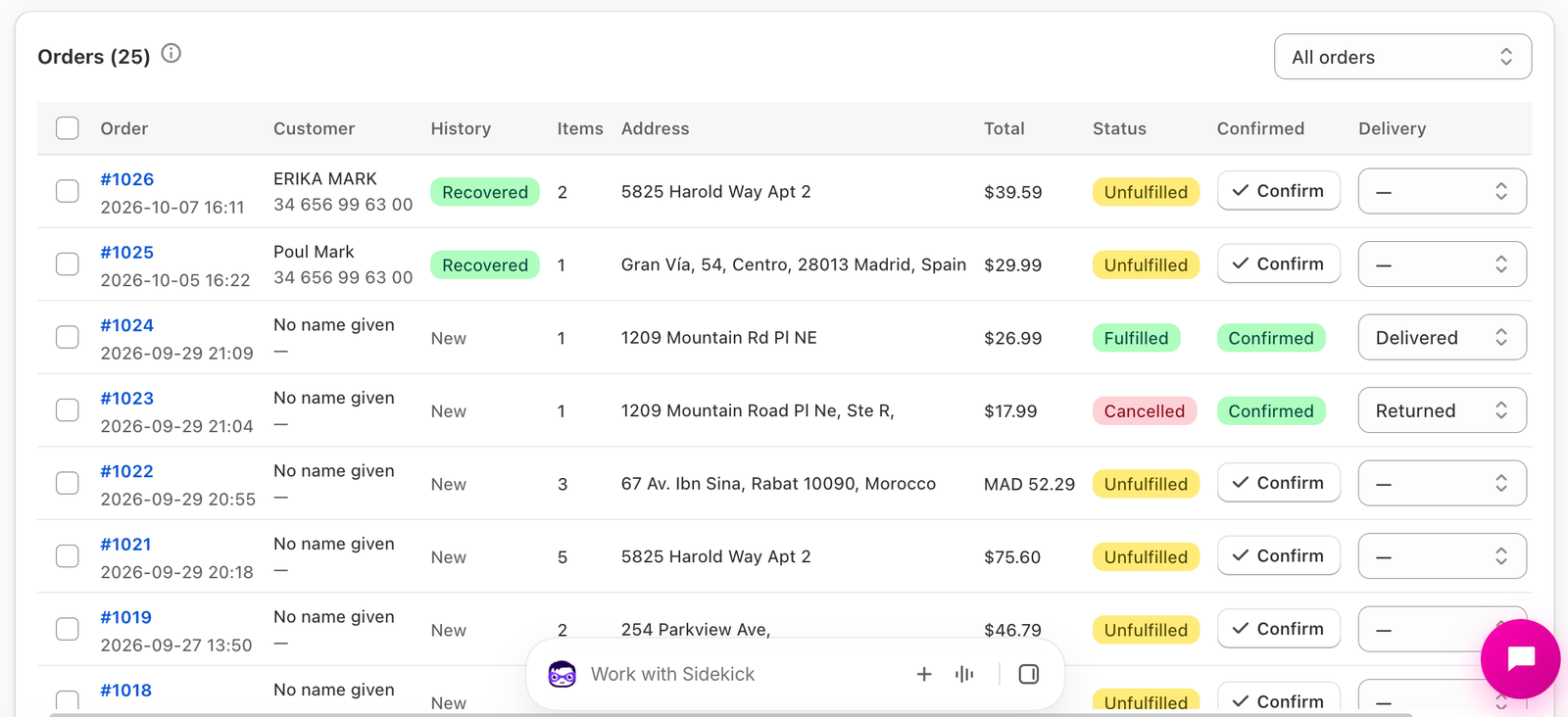
The orders list on the Dashboard shows every order your form created, 50 per page.
Filters
All orders, Not shipped yet, Shipped and Cancelled.
Columns
- Order — the order number, linked to the order in Shopify.
- Customer — name and phone.
- History — Recovered (the order closed an abandoned lead), Returning (this phone ordered before) or New.
- Items, Address, Total.
- Status — Shopify’s own status: Unfulfilled, Fulfilled or Cancelled.
- Confirmed — press Confirm after you’ve confirmed the order by phone. It counts in your confirmation rate and can’t be undone.
- Delivery — the outcome: Delivered or Returned.
- Contact — call the buyer, or open WhatsApp with your order confirmation (or shipping confirmation, once shipped) already typed.
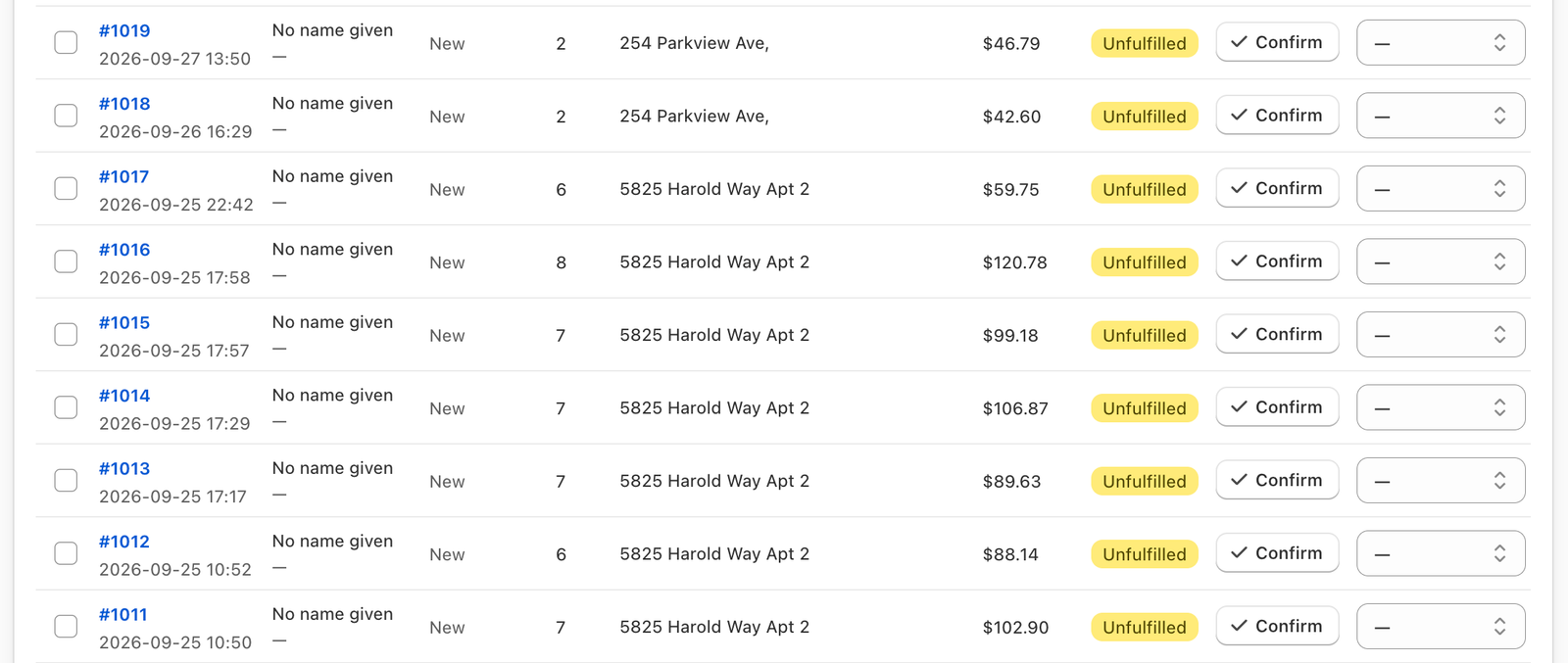
Marking an order delivered or returned
Choosing an outcome in the Delivery column asks you to confirm, because it also updates Shopify:
- Delivered — the order is recorded as delivered and confirmed, and marked fulfilled and paid in Shopify (the cash was collected).
- Returned — recorded as returned and confirmed, and cancelled in Shopify with the items restocked. Cancellation can’t be undone in Shopify.
If Shopify can’t be updated (for example an already-fulfilled order can’t be cancelled), the outcome is still recorded in CODPrem and a notice tells you what Shopify refused.
Choosing “—” clears the outcome.
Bulk actions
Tick several orders, then choose Mark delivered, Mark returned or Mark confirmed. A confirmation tells you what will happen in Shopify. Progress shows as it works through them, and any order Shopify refused is listed at the end.
[SCREENSHOT: Dashboard – Orders list – Bulk actions]
Other ways outcomes arrive
You don’t have to mark every order by hand. Delivery outcomes also come from:
- your Shopify order statuses (cancelled, or fulfilled and paid), checked every hour;
- the Delivery column of your Google Sheet, read every hour.
The first answer recorded is kept; marking by hand replaces it.