
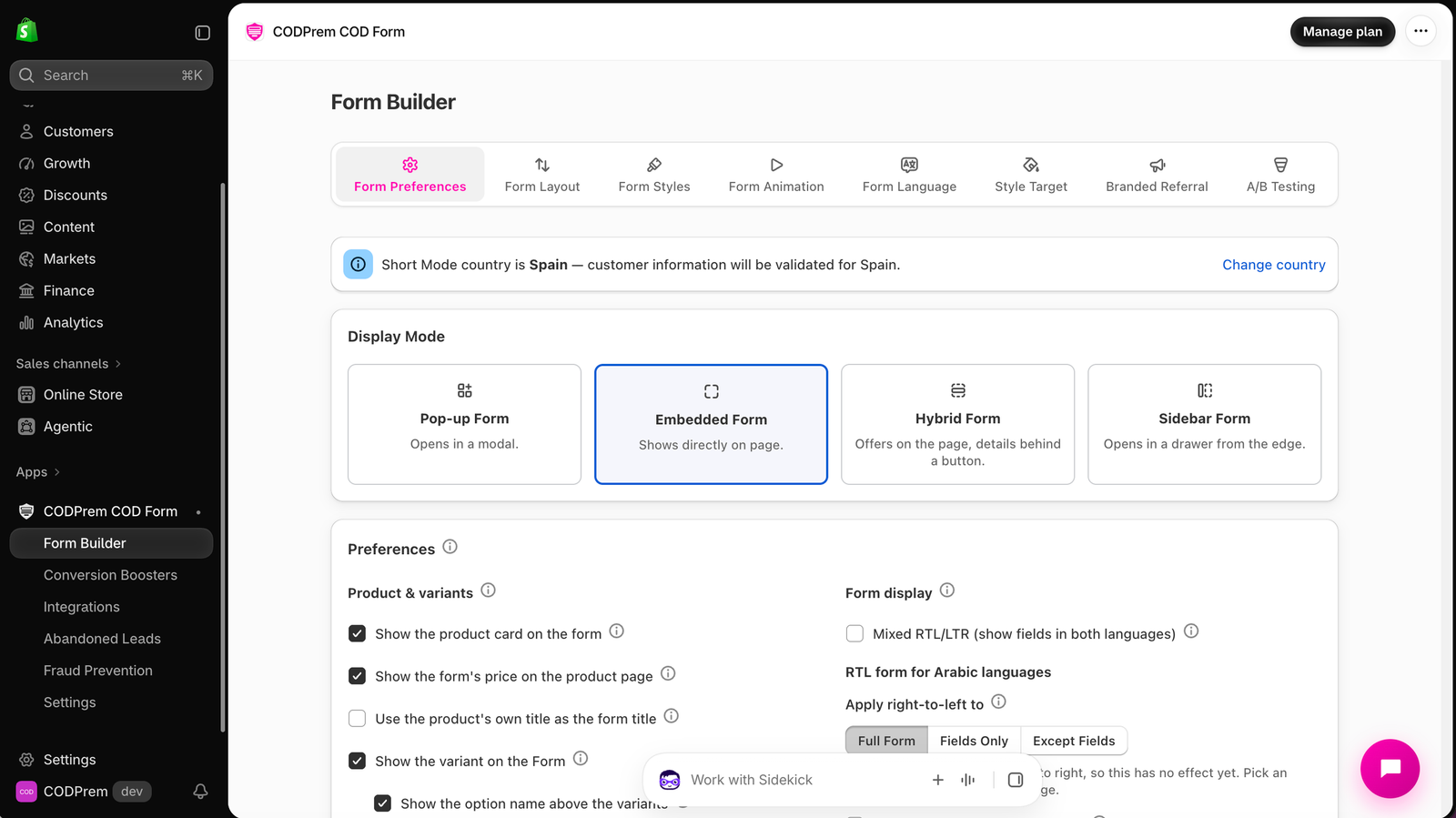
Pop-up, Embedded, Hybrid or Sidebar — four ways to show the same form on your product page.
Go to Form Builder → Form Preferences → Display Mode.
| Mode | What the buyer sees |
|---|---|
| Pop-up Form | A Buy Now button on the product page. Clicking it opens the form over the page. |
| Embedded Form | The whole form sits directly on the product page, where Buy it now was. No button to click first. |
| Hybrid Form | Your offers (quantity tiers, bundles, the product card) show on the page. The details — fields, shipping, summary — open behind a button. |
| Sidebar Form | A Buy Now button opens the form as a drawer sliding in from the edge of the screen. |
Which one to choose
- Embedded suits most stores with short forms: nothing stands between the buyer and the fields.
- Pop-up keeps the product page clean and focuses the buyer on ordering once they decide.
- Hybrid shows your offers where the buyer is deciding, then asks for details only once they commit.
- Sidebar feels like a cart drawer and keeps the product page visible behind it.
Not sure? Try two and compare them with A/B Testing (CODPrem Boost and Pro).
Sidebar options
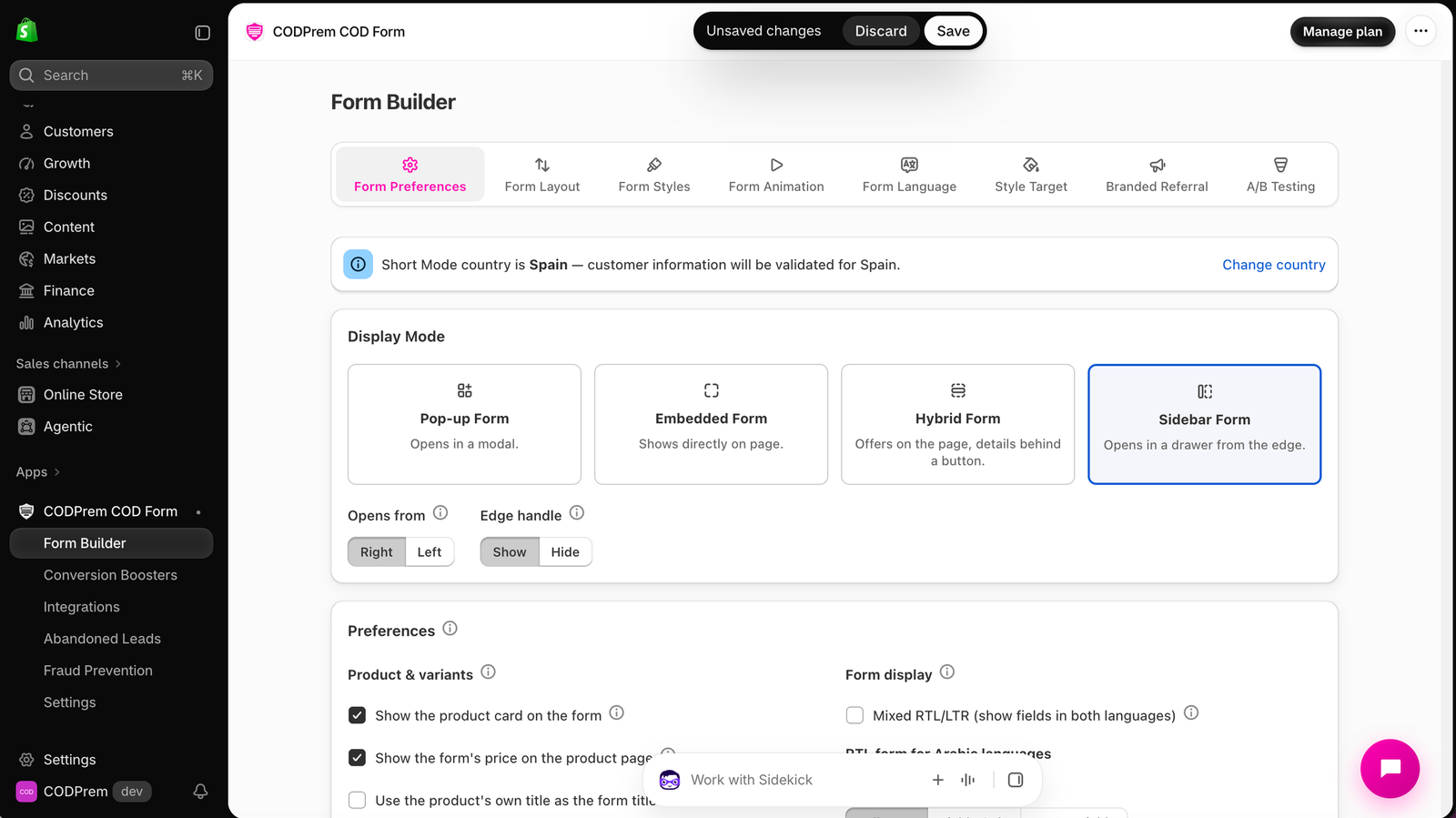
When Sidebar Form is selected, two more controls appear:
- Opens from — Right suits most themes. Choose Left if your theme already keeps something pinned to the right.
- Edge handle — the “Order now” tab pinned to the side of the screen. Hide it if your buy button is enough. If the buy button is ever missing, the handle comes back on its own, so a product page is never left with no way to order. Its wording is set in Settings → General.
Related settings
- Turn on full screen mode on mobile device (Form Preferences → Preferences) — on a phone, the pop-up fills the whole screen instead of floating as a card.
- Hide close button — removes the × in Pop-up mode. On phones in full screen the × always shows, so buyers are never trapped.
- Enable Sticky Button — a floating order button that stays on screen as the buyer scrolls the product page.
- In Hybrid, what shows on the page is the Offers group in Form Layout.