
Show the COD form only where you deliver cash on delivery; everyone else keeps your normal checkout.
Go to Fraud Prevention → Delivery Area.
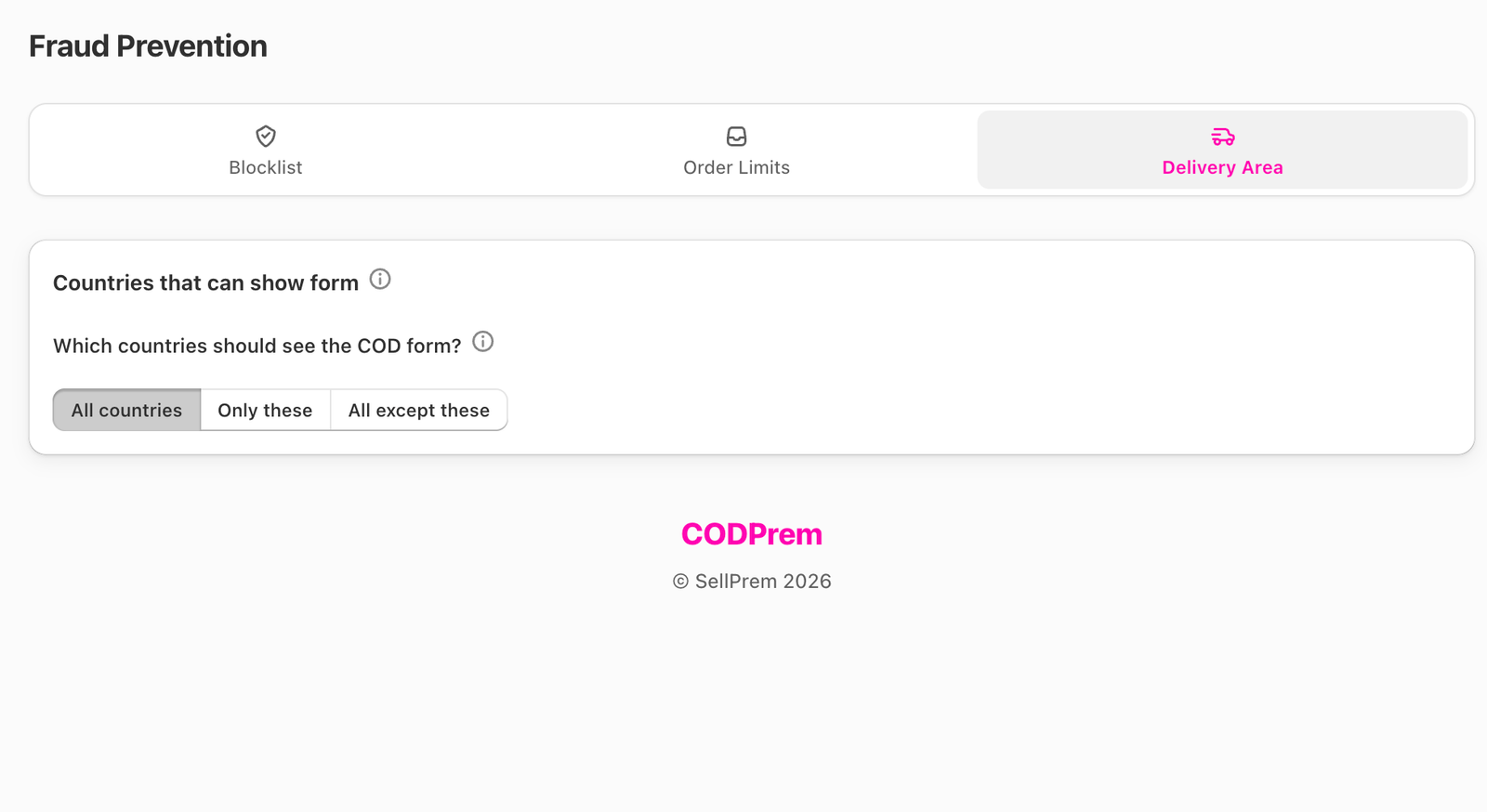
Which countries should see the COD form?
Decided by where the visitor is browsing from, as Shopify reports it.
- All countries — everyone sees the form (default).
- Only these — the form shows only in the countries you tick.
- All except these — the form shows everywhere except the ticked countries.
Use the region buttons to tick a whole region at once.
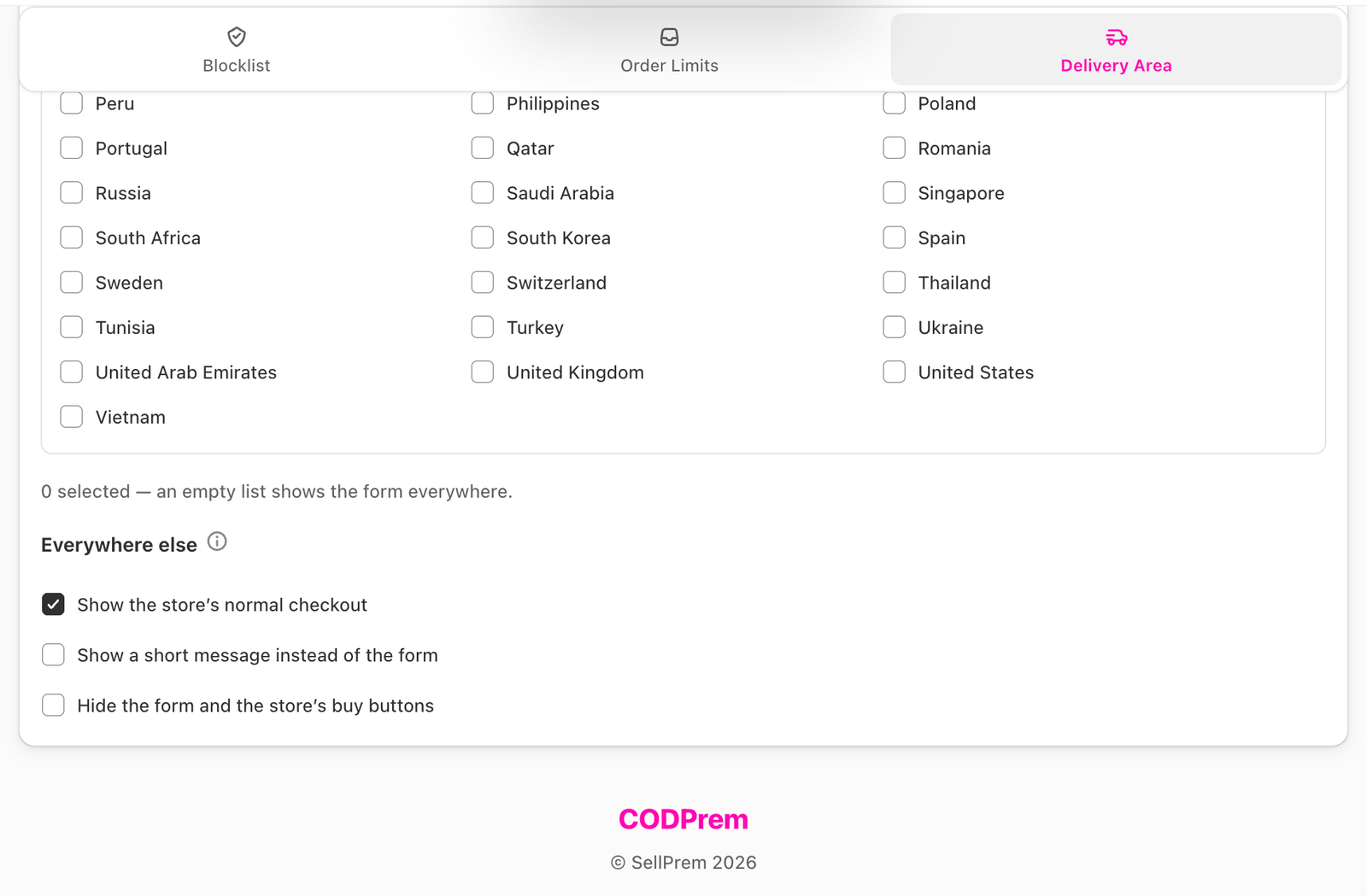
Everywhere else
Choose what a shopper who can’t use the form sees:
- Show the store’s normal checkout — your theme’s own buttons, so they can still buy the normal way.
- Show a short message instead of the form — a line such as “Cash on delivery isn’t available in your country yet.” The theme’s buttons stay. Leave the Message shown instead of the form box empty to use the default, translated in every form language.
- Hide the form and the store’s buy buttons — removes every way to buy on those visits.
With All except these, this section is called In the countries above.
Not the same as Form Countries
This setting decides who sees the form. The address country dropdown and phone number check follow Settings → Countries & Shipping → Select Form Countries.