
Invisibly score every order and refuse the ones that look automated — no checkbox, no puzzle.
Go to Fraud Prevention → Blocklist → Bot protection — Google reCAPTCHA.
Get your keys
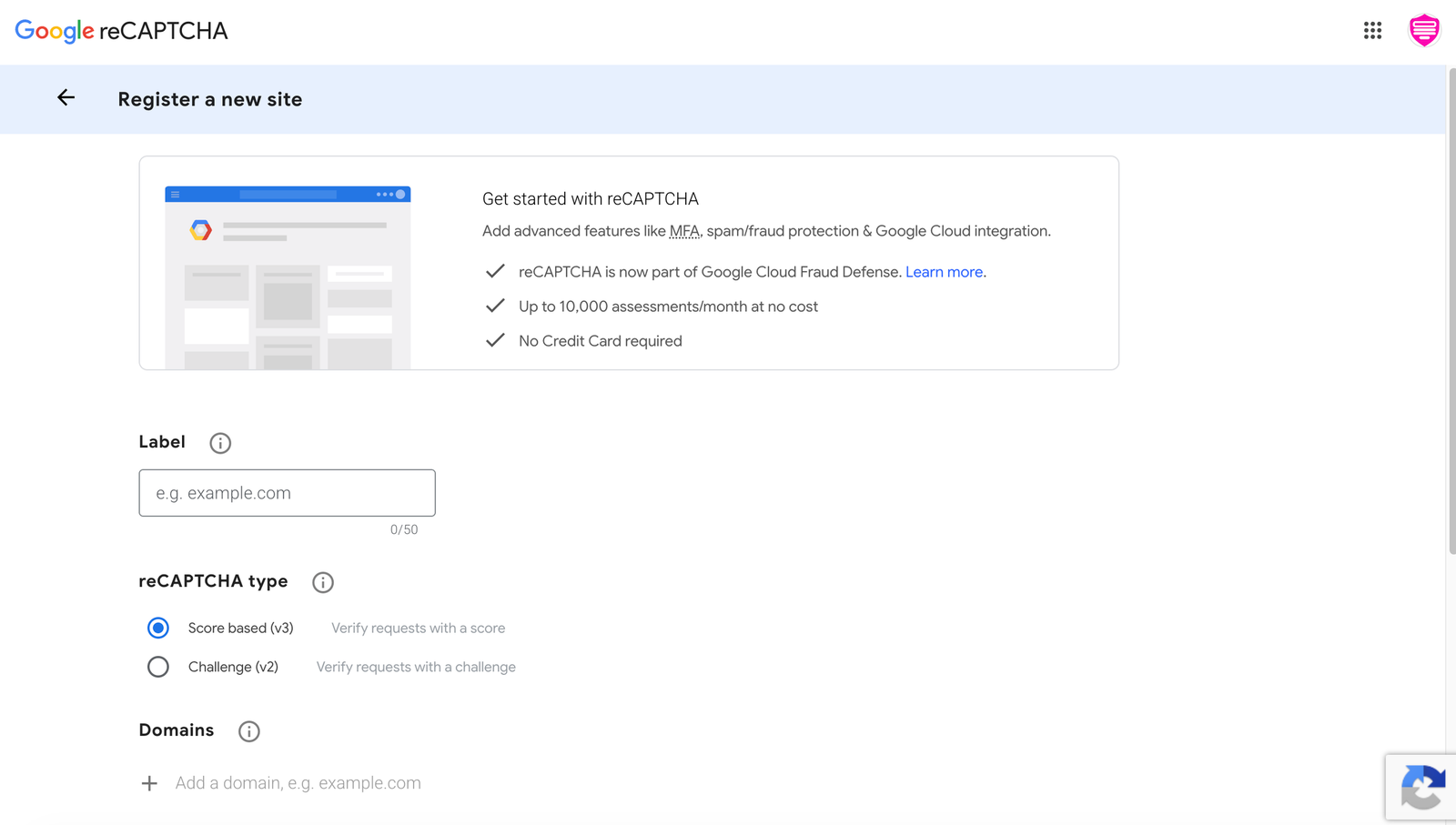
- Press Get reCAPTCHA keys from Google (google.com/recaptcha/admin).
- Create a reCAPTCHA v3 site and add your store’s domain.
- Copy the Site key and Secret key.
Switch it on
- Tick Enable Google reCAPTCHA.
- Paste the Site key (used in the browser, safe to be public) and the Secret key (stays on our server, never sent to your storefront).
- Set the Minimum score. Google scores each visitor from 0.0 (almost certainly a bot) to 1.0 (almost certainly a person). Orders below the score are refused. 0.5 is Google’s suggested start.
- Save.

Good to know
- Shoppers see nothing — reCAPTCHA v3 works in the background.
- If Google can’t be reached, the order is allowed through rather than refused.
- If real buyers are being refused, lower the minimum score.